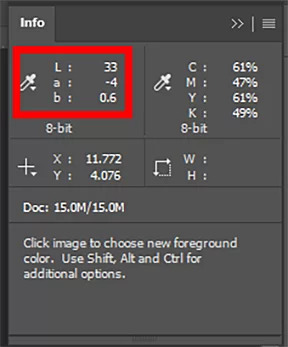
Have you ever wondered how accurate your inkjet proof really is compared to the art file your customer supplied? Here's a simple trick using a simple, affordable device: the Spectro 1 from Variable. This is a quick color-verification hack that anyone in printing or graphic design can benefit from. If you don't yet own a spectrophotometer or colorimeter but you want to start doing some basic color control, the Spectro 1 is worth a look — it's around $300 and works with the free Spectro by Variable app on your iPhone or Android phone. It won't calibrate your monitor, but with one click it'll give you peace of mind that your color proof matches the file. And it's tiny — it fits in your front jeans pocket. I was at a customer site recently. They were printing an image they believed should be neutral gray — but it was coming out with a slight blue cast. I'd just finished calibrating their inkjet proofing system and was confident my calibrations were accurate. So how do we settle it? How do we verify the color? This customer had just purchased the Spectro 1 from Alder Color Solutions, so I suggested we gather the Lab color value from their file, then use the Spectro 1 to click that same color on their printed proof and see if the proof was accurate to the file. Sure enough — BOOM. The color was within 1 point of each Lab value; two of the three Lab values were exactly perfect. This simple one-click process verified that their inkjet proof was matching the file extremely accurately. This was hugely helpful to them, because their monitors weren't calibrated and they couldn't trust what they were seeing on screen. (I eventually calibrated their monitors, too — but even so, this is a far better way to check and verify color than trusting your eyeballs.) To use the Spectro 1 as a quick verification / quality-control device: If the Lab values are super close to your file, your proof is calibrated correctly. If they're way off, you may want to consider some training from a color professional at Alder Color Solutions. I've found this little Spectro 1 helpful for plenty of other things, too. The app comes loaded with paint codes from companies like Behr, Benjamin Moore, and Sherwin-Williams. Use it to get an exact paint match — to patch that wall you've been neglecting, or to match a wall to a decorative item that's the feature of a room. You can also add a Pantone color subscription through the app for access to Pantone's color libraries. If you print with custom spot colors or Pantone colors, that's an extremely valuable tool. And the app connects to ChromaChecker.com to sync your measurement data to their cloud-based color conformance platform. Purchase your Spectro 1 from Alder Color Solutions today — and let us know how it worked for you with a Google review. Lead Color Specialist, Alder Color Solutions Bill is an Idealliance-certified G7 Expert and founder of Elevated Color, with more than 45 years in prepress, printing, and color management — including over 25 years dedicated to helping printers achieve predictable, repeatable color across commercial, packaging, wide-format, offset, digital, and inkjet work. He specializes in G7 implementation, ICC profiling, press and monitor calibration, proofing systems, and workflow standardization, with deep experience across RIPs including EFI Fiery XF, PrintFactory, ChromaChecker, Onyx, Caldera, and Xitron Navigator, and platesetter workflows such as Agfa Apogee, Kodak Prinergy, Esko, and Heidelberg Prinect. His work has appeared in PRINTING United, Idealliance, and WhatTheyThink.A Real Example: The Gray That Printed Blue
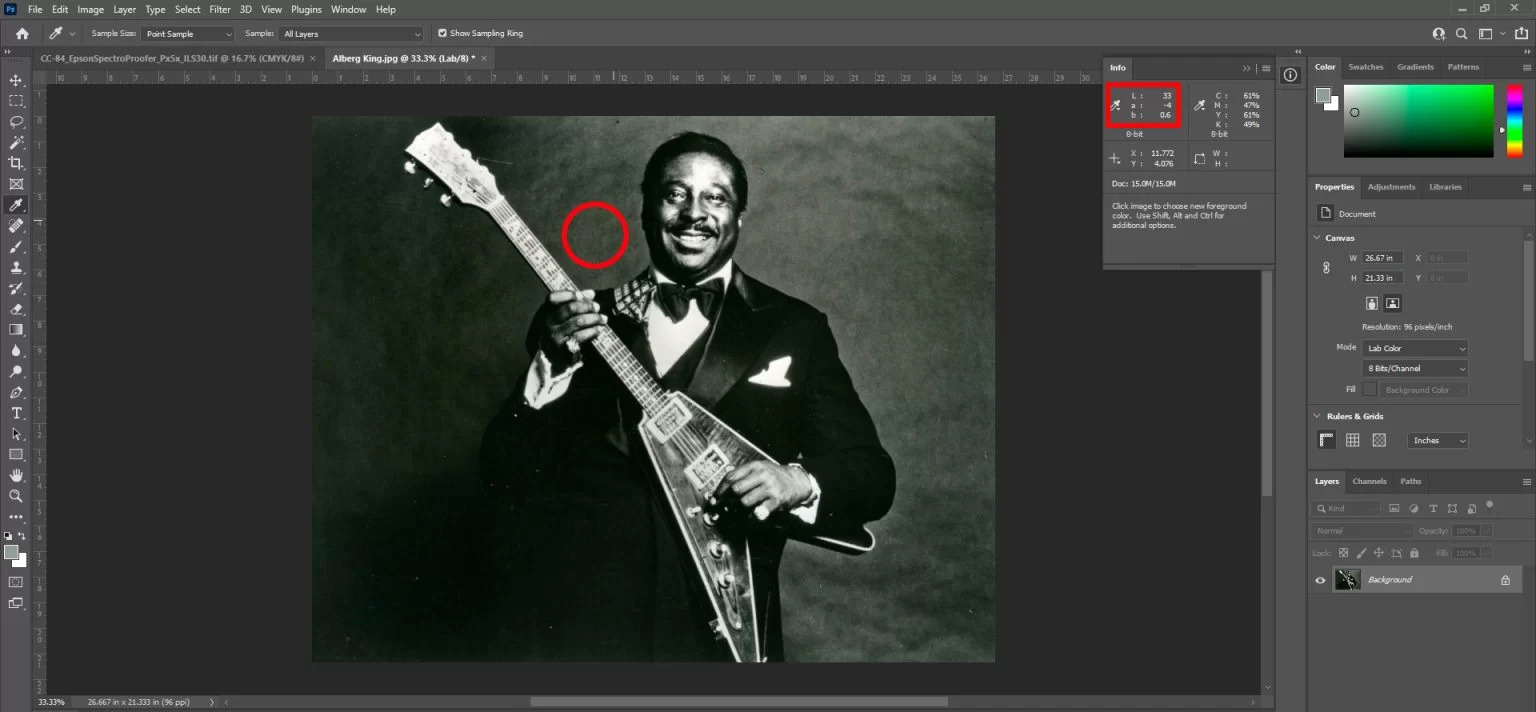
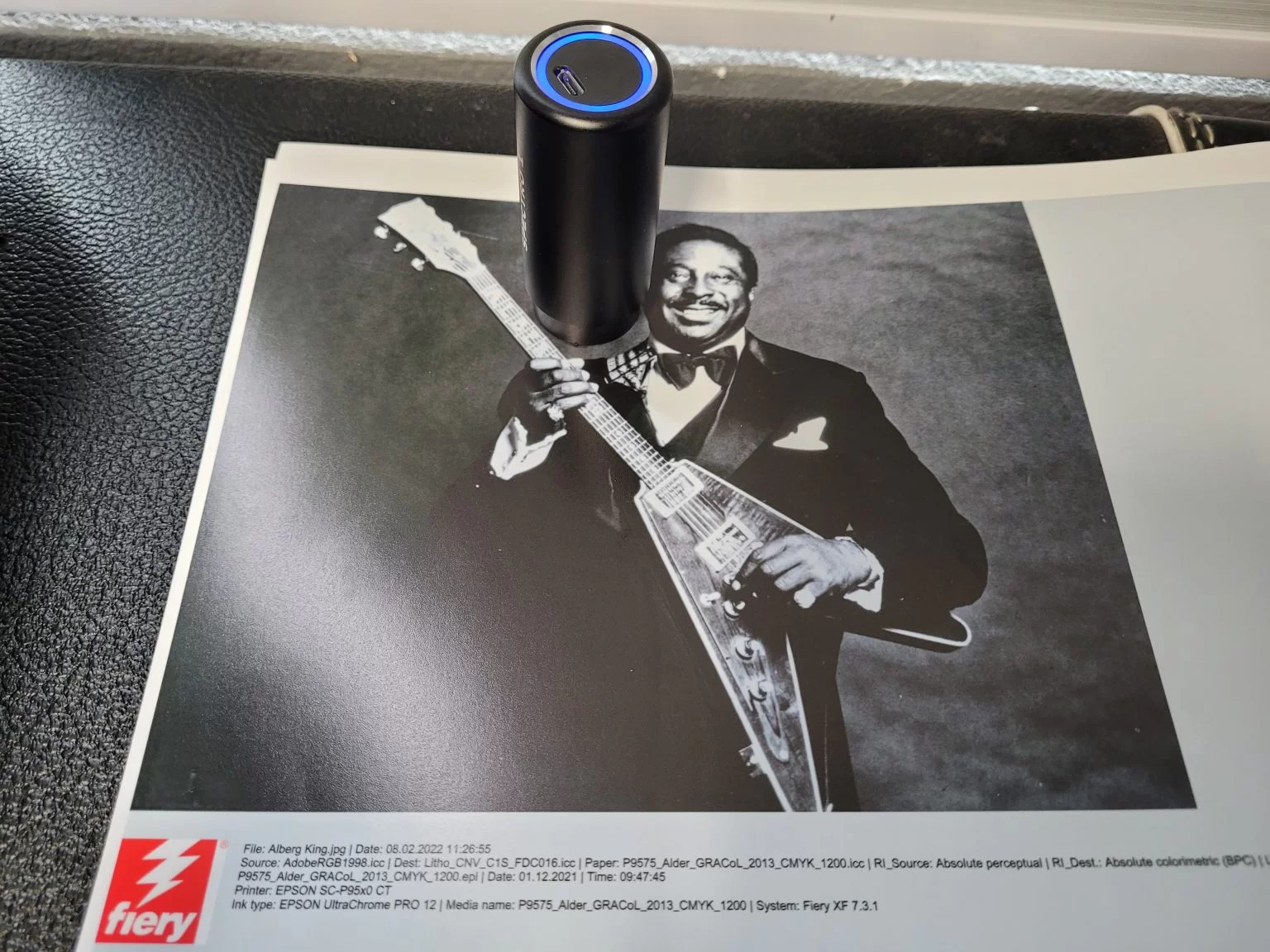
How to Do It, Step by Step
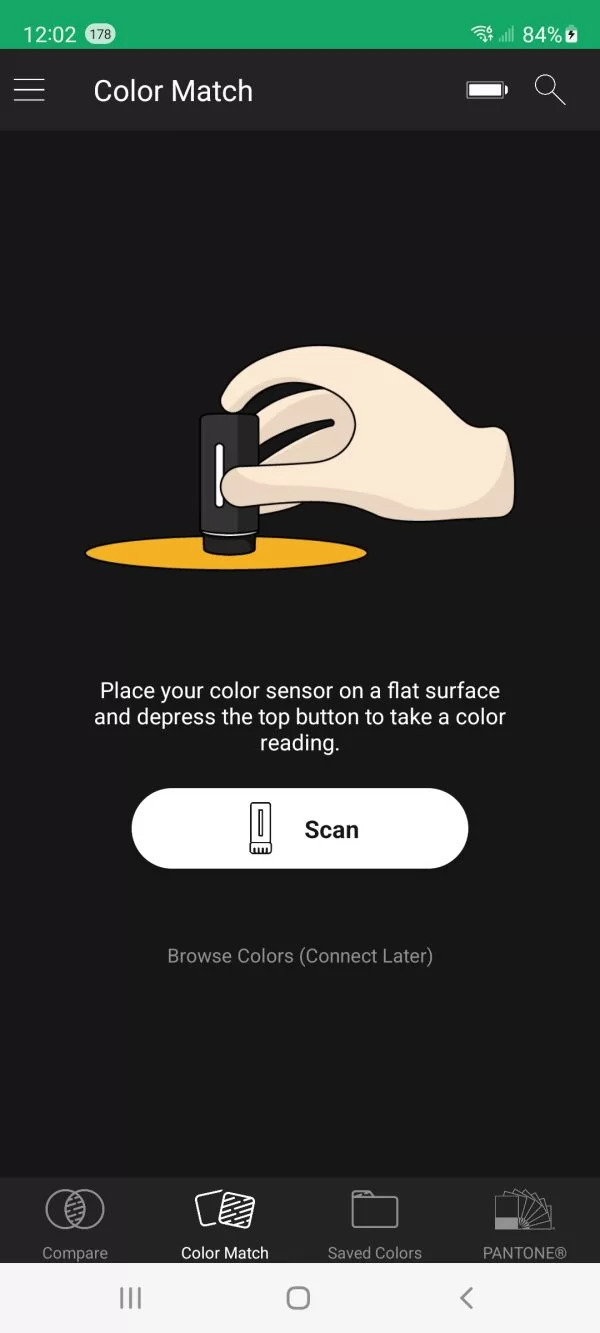
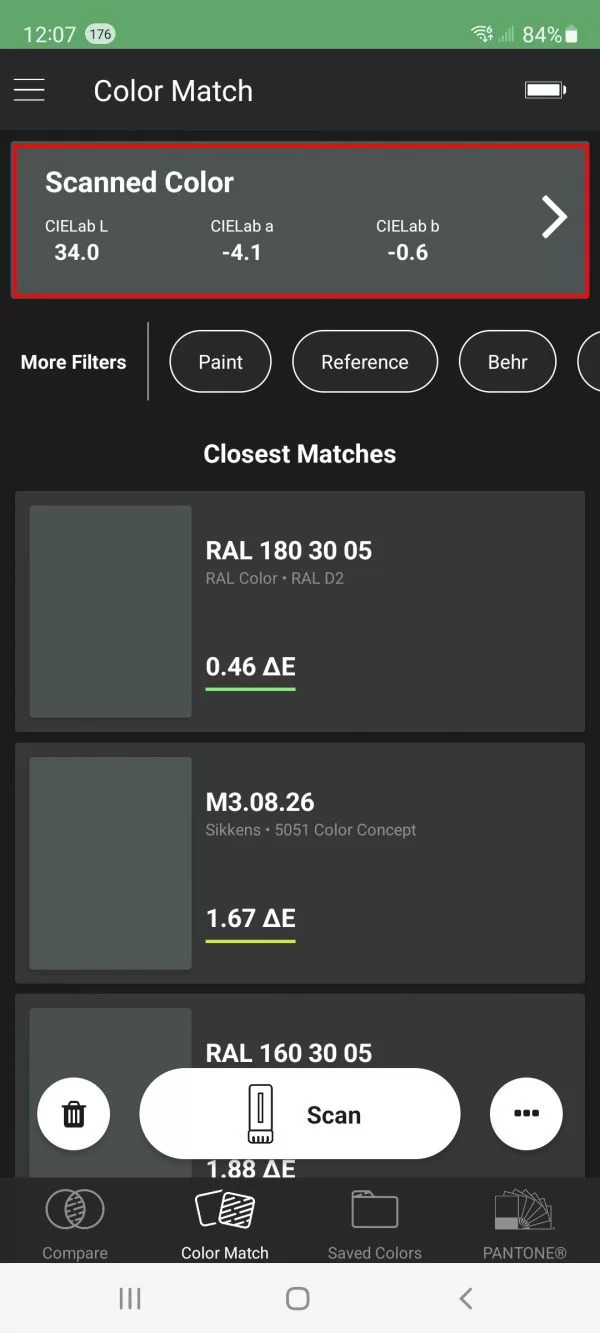
Other Handy Uses
Get Your Spectro 1
Bill Owen — billo@aldertech.com — 720-933-4413About the Author

Bill Owen
Phone: 720-933-4413