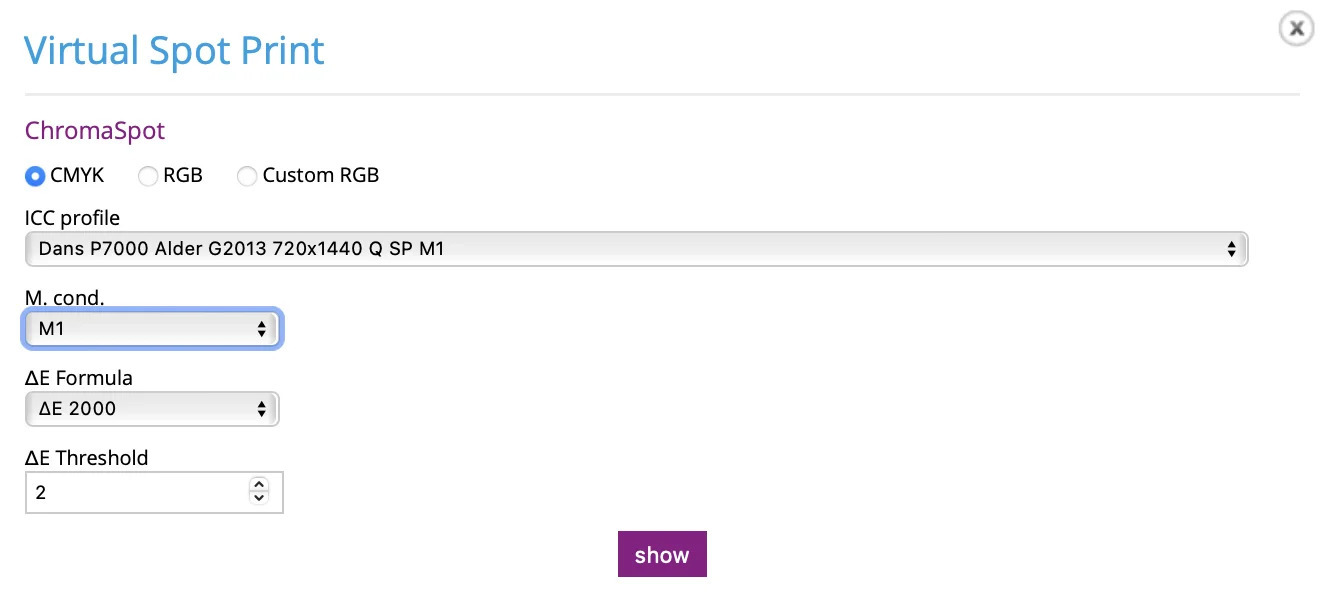
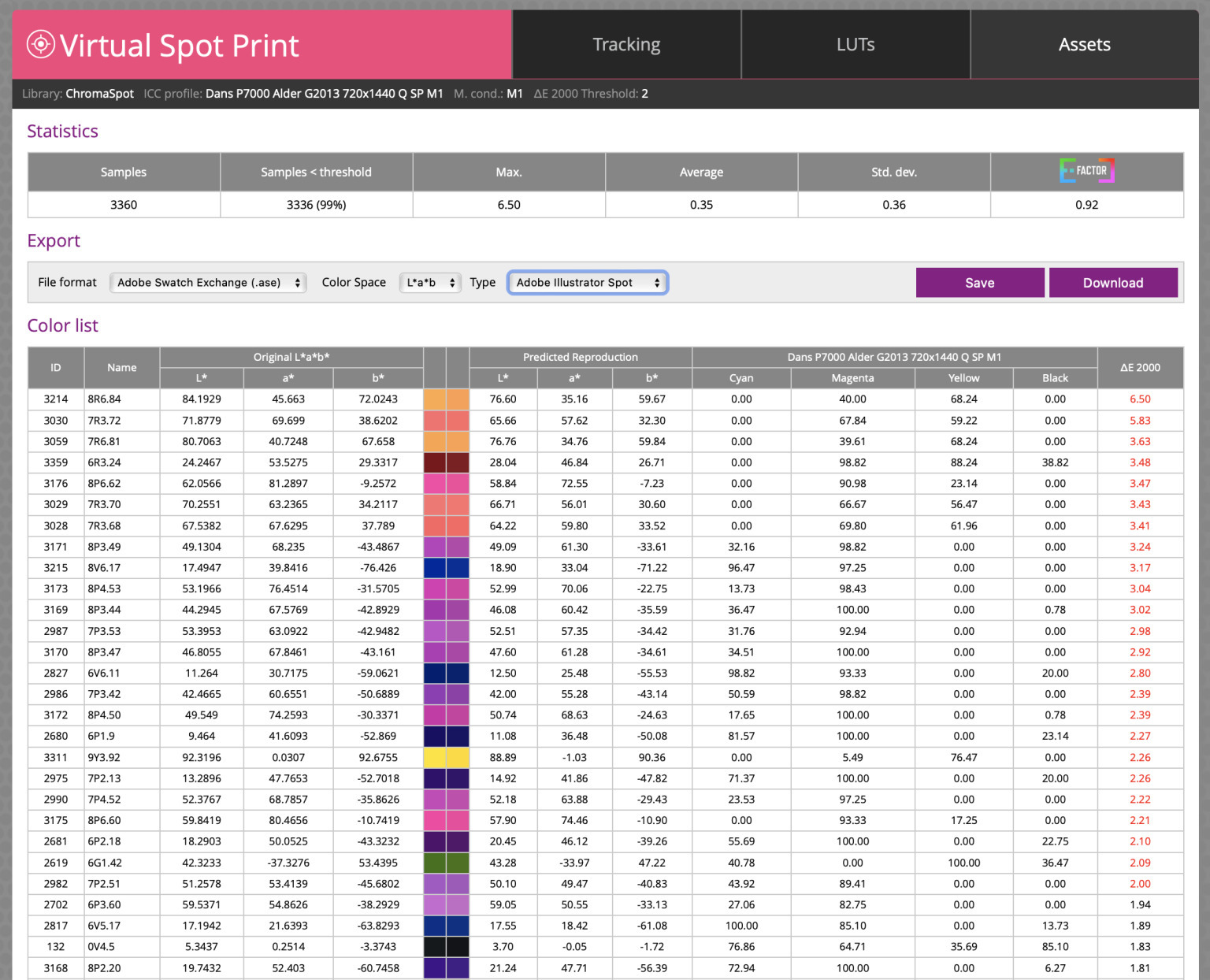
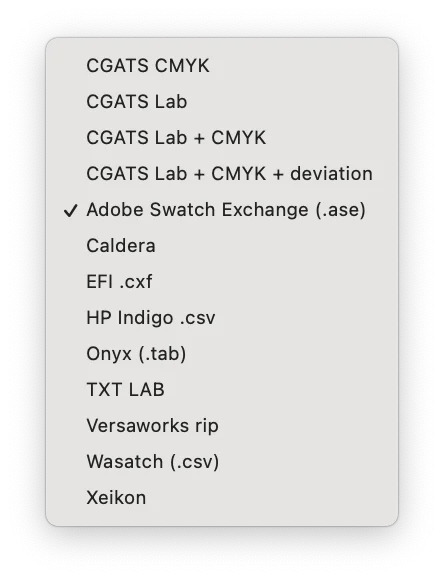
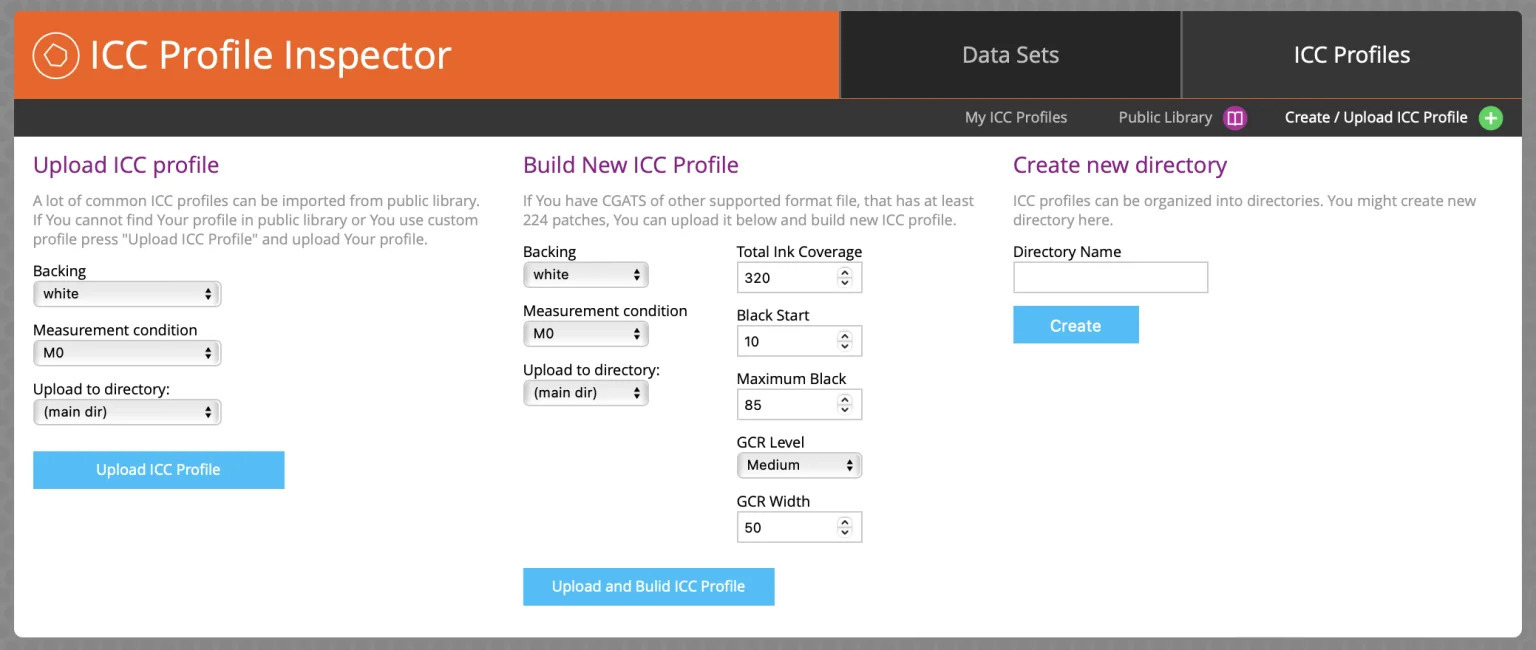
For those of you who follow me, you know I'm a huge proponent of ChromaChecker. So much so that we have our own branded instance at alder.chromachecker.com. Not only do we have dozens of our clients on this platform, but we use it for all of our professional services — creating G7 curves and doing color conformance. ChromaChecker offers an absolute arsenal of color functionality, but one thing it's been lacking is a 3D Gamut Viewer — until now! 3D gamut viewers are routinely used by color experts to visualize and compare color spaces in the form of ICC profiles. Much can be learned from analyzing this data, including whether any given spot color can be achieved — and how closely. ChromaChecker has had functionality called Virtual Spot Print to determine whether a spot color can be achieved, based on a prediction of Delta E values for each. You can quickly and easily run an entire color library through any uploaded ICC profile — and now you can visualize it, too. In the ChromaChecker online dashboard, open the Color Inspector, click the Assets tab, and choose any color palette or library. (No library yet? Upload a CxF file, or measure colors manually in the Capture software.) With your library selected, click the Virtual Spot Print button at the bottom left to run every color in it through your chosen ICC profile. You can now visualize whether each color is in or out of gamut. The Color List shows the original L*a*b* values, the predicted reproduction L*a*b* and (device-dependent) CMYK values, and the dE2000 value — with a small color patch of the original and predicted colors side by side. Hover your cursor over any dot to highlight it and see exactly which color it is and its Delta E. Once you're happy with the in-gamut results, you can export the color list as an ASE (Adobe Swatch Exchange) file — dropping the achievable swatches straight into Illustrator, Photoshop, or InDesign so your design team is working with colors you know will reproduce. The 3D Gamut Viewer can also be used to compare profiles in the ICC Inspector. Simply select two profiles and click Compare at the bottom. This will show you: Overall, it's a very useful new feature — and long overdue. The Swiss Army knife of color software just got another tool, and the best part is it's included in your annual subscription at no additional cost. If you or your company are interested in learning more about ChromaChecker, please contact me at dang@aldertech.com. Director of Technical Services, Alder Color Solutions Dan has spent more than three decades helping printers, converters, publishers, packaging companies, and photographers get control of their color — across offset, flexo, wide-format, digital, and packaging production. He founded the color consultancy ColorGeek Inc. in 1999 and joined Alder in 2018. A certified G7 Expert since the inaugural 2006 class, he has spent nearly twenty years implementing G7 and international print standards in real production environments, and was one of the few certified instructors for the SGIA Digital Color Professional program. He's also a professional photographer — which keeps him fluent in both the artistic and technical sides of imaging.Why a 3D Gamut Viewer Matters
How to Run Virtual Spot Print

Reading the Results
Export Your Swatches
Comparing Profiles in the ICC Inspector
A Welcome Addition — at No Extra Cost
Learn More
About the Author

Dan Gillespie